
Bring stories to life with stunning visuals, mastering animations and VFX to captive audiences and push creative boundaries.
Learn more
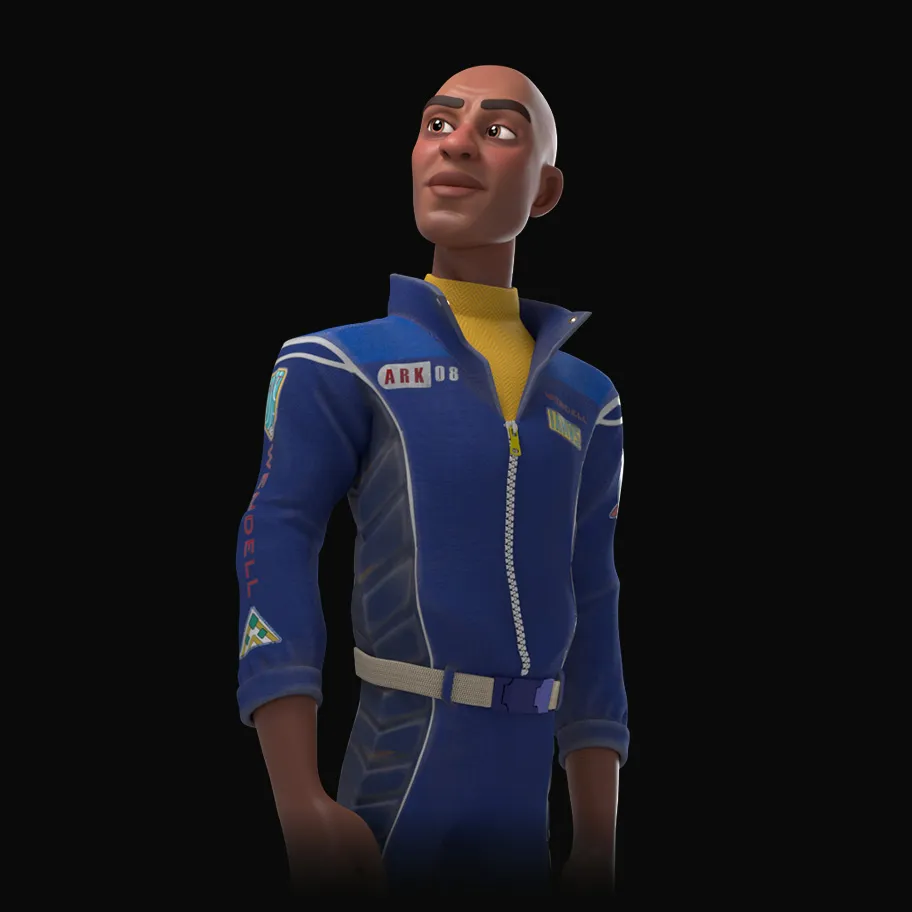
Drexel's Animation & Visual Effects program trains the next generation of creative storytellers in the art of 3D computer graphics. Our studio-based curriculum combines technical expertise with artistic vision, preparing students for the dynamic world of digital entertainment and beyond.
Through our unique hybrid approach, you'll develop advanced skills in digital design while engaging in real-world projects that matter. Whether you're creating immersive 3D environments, developing interactive experiences, or pushing the boundaries of animation, our program provides the technical expertise and creative foundation needed for success in the digital media landscape.
Hover on
Hover off
Click
Click
Click
Hover On
Hover Off
Click
The image switches from grayscale to full color.
The image also zooms in slightly
The card background color changes to gradient
cursor changes to pointer
transitional time is 0.5s ease in and out
The image switches from full color to grayscale.
The image also zooms out slightly to default.
The card background color changes from the gradient to default.
cursor changes back to arrow
transitional time is 0.5s ease in and out
"+" icon rotates 135 degree to make an "x" icon
menu bar slides open to the right
transitional time is 0.5s ease in and out
"x" icon rotates back to make a "+" icon
menu bar slides to close
transitional time is 0.5s ease in and out
button gets filled in black
undo the black fill in
transitional time is 0.5s ease in and out
state of button gets updated in the database until clicked again
Send-like motion occur and the button appears to be flying out
transitional time is 0.5s ease in and out
button gets filled in yellow from left to right
transitional time is 0.5s ease in and out
button gets unfilled from right to left
transitional time is 0.5s ease in and out
Flips the degree card horizontally to show other side
Flips the degree card horizontally to default
transitional time is 0.5s ease in and out
The image switches from grayscale to full color.
The image also zooms in slightly
The card background color changes to gradient
cursor changes to pointer
transitional time is 0.5s ease in and out
The image switches from full color to grayscale.
The image also zooms out slightly to default.
The card background color changes from the gradient to default.
cursor changes back to arrow
transitional time is 0.5s ease in and out
"+" icon rotates 135 degree to make an "x" icon
menu bar slides open to the right
transitional time is 0.5s ease in and out
"x" icon rotates back to make a "+" icon
menu bar slides to close
transitional time is 0.5s ease in and out
button gets filled in black
undo the black fill in
transitional time is 0.5s ease in and out
Send-like motion occur and the button appears to be flying out
transitional time is 0.5s ease in and out
button gets filled in yellow from left to right
transitional time is 0.5s ease in and out
button gets unfilled from right to left
transitional time is 0.5s ease in and out
Flips the degree card horizontally to show other side
Flips the degree card horizontally to default
transitional time is 0.5s ease in and out
No loops and mode